


Hold more. Spend more. Keep more.
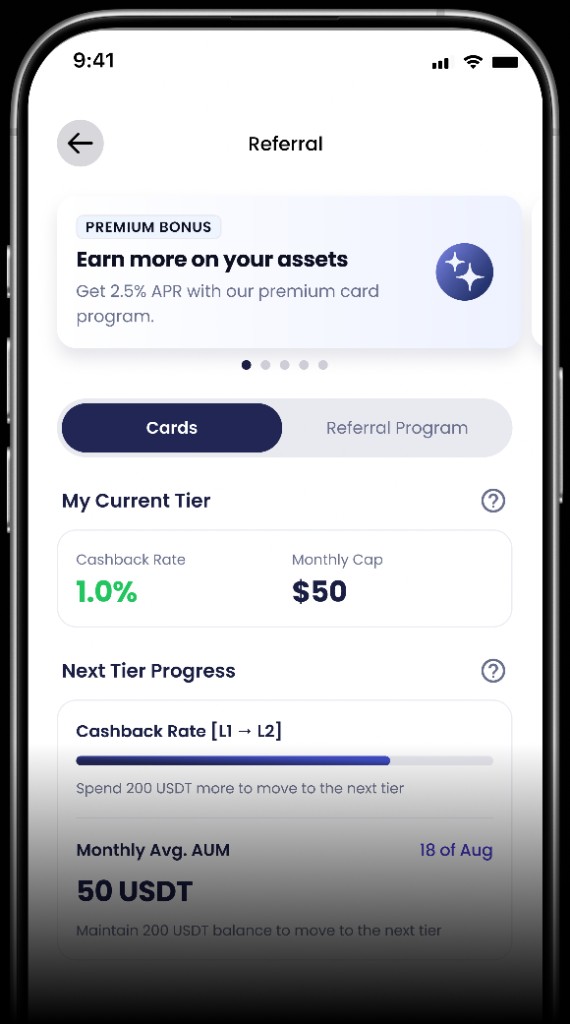
Two things determine your cashback. Your monthly sets your cap and your monthly spend sets your rate.
View more
Monthly spend
Set by how much you spend
A certain monthly spend amount triggers a certain return-rate threshold. Find the row that matches your spend.
1%
$500
2%
$3,000
2.5%
$10,000
3%
$20,000
Cashback rate
You earn
1%
When you spend at least $500 a month
What this means
Your rate is the highest threshold your spend reaches that month. It applies from the moment you reach it. Spend already settled at a lower rate stays there.
You earn this rate on eligible spend, up to your monthly cap.
Monthly cashback cap
Set by the highest row you match
Take the highest row you match. Your subscription level sets a starting cap. Holding a larger balance raises it.
What you match
Monthly cap
Core level
$50
Elite level
$100
$50,000 held
$200
$100,000 held
$500
$200,000 held
$1,000
What this means
Your subscription level sets a starting cap. Holding a larger balance can raise it.
The cap is a ceiling, not a payout. You earn cashback on eligible spend up to this amount, paid in USDT.
Your rate is set separately by what you spend each month.